Dragon Professional 16 - Desktop Speech Recognition for Windows
The locally installed professional speech recognition suite for Windows 10 and 11. Dictate into any application, transcribe single-speaker recordings, and automate workflows with custom voice commands. Works offline after activation.
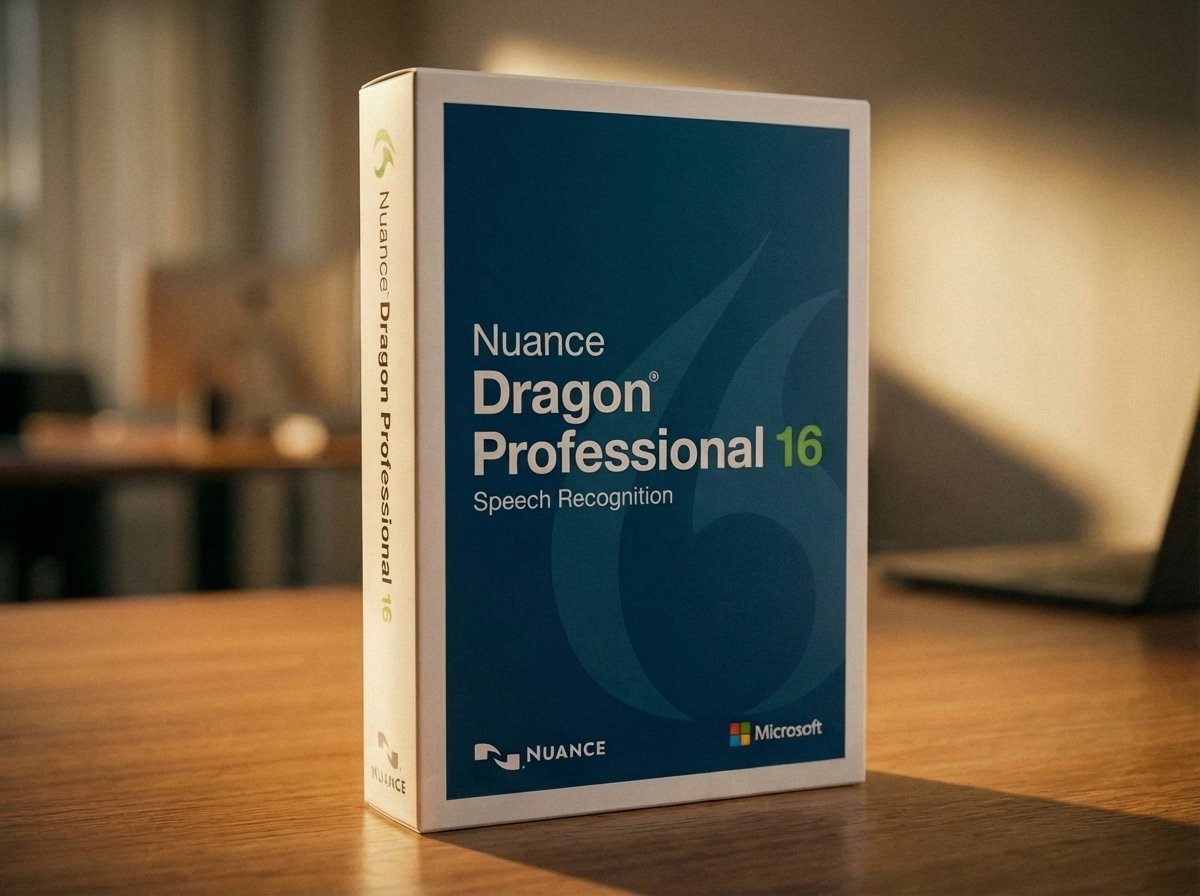
What Dragon Professional 16 includes
- ✓Real-time dictation into Word, Outlook, and hundreds of Windows applications
- ✓Transcribe single-speaker audio recordings (MP3, WAV, WMA, DSS, DS2)
- ✓Custom vocabulary - add industry terms, names, and shortcuts
- ✓AutoText - speak a short phrase to insert a full paragraph
- ✓Voice macros to automate multi-step Windows workflows
- ✓Works offline after installation and activation
- ✓Hands-free PC control, navigation, and mouse control
- ✓Windows 10 and Windows 11 (32-bit and 64-bit) compatible
- ✓Compatible with Microsoft 365, Google Docs, and Microsoft Teams
Frequently asked questions
Does Dragon Professional 16 require internet to use?
No. After installation and activation, Dragon Professional 16 operates without an internet connection. An internet connection is required only for the initial download and product activation.
Can it transcribe audio recordings?
Yes - single-speaker recordings only. Supported formats include MP3, WAV, WMA, DS2, and DSS. It cannot transcribe multi-speaker conversations or meetings.
Which microphone should I use?
Dragon works with a range of USB and 3.5mm microphones. A dedicated dictation microphone or USB headset provides the best accuracy. Apple AirPods are not supported for dictation.
Does it work with Microsoft Teams?
Dragon Professional 16 includes support for dictating into Microsoft Teams. Some advanced voice commands may have limitations in Teams Home edition.
What is the difference between perpetual and subscription?
The perpetual licence ($994) owns the software outright but your voice profile is stored locally. The subscription ($695/yr auto-recurring) stores your profile in the cloud so it syncs to any PC, includes all new versions automatically, and allows unlimited PC installs.
Can I upgrade from an older version?
The upgrade ($495) is available for Dragon Professional Individual or Group version 15 only. It is not valid for older versions or other editions such as Dragon Home.
Other Dragon products
Questions about Dragon Professional 16?
Voice Recognition Australia has deployed Dragon Professional across Australian government, legal, and enterprise environments for 25 years. We can help you choose the right version and get set up quickly.
- Which licence type suits your needs
- Upgrade eligibility from older versions
- Enterprise deployment and management
- Microphone recommendations