Dragon Software for Education - Student and Educator Pricing
The complete Dragon Professional 16 at a discounted price for students, educators and educational institutions. Dictate essays, assignments, research notes and course materials faster and more accurately than typing. Widely used for accessibility and assistive technology needs.
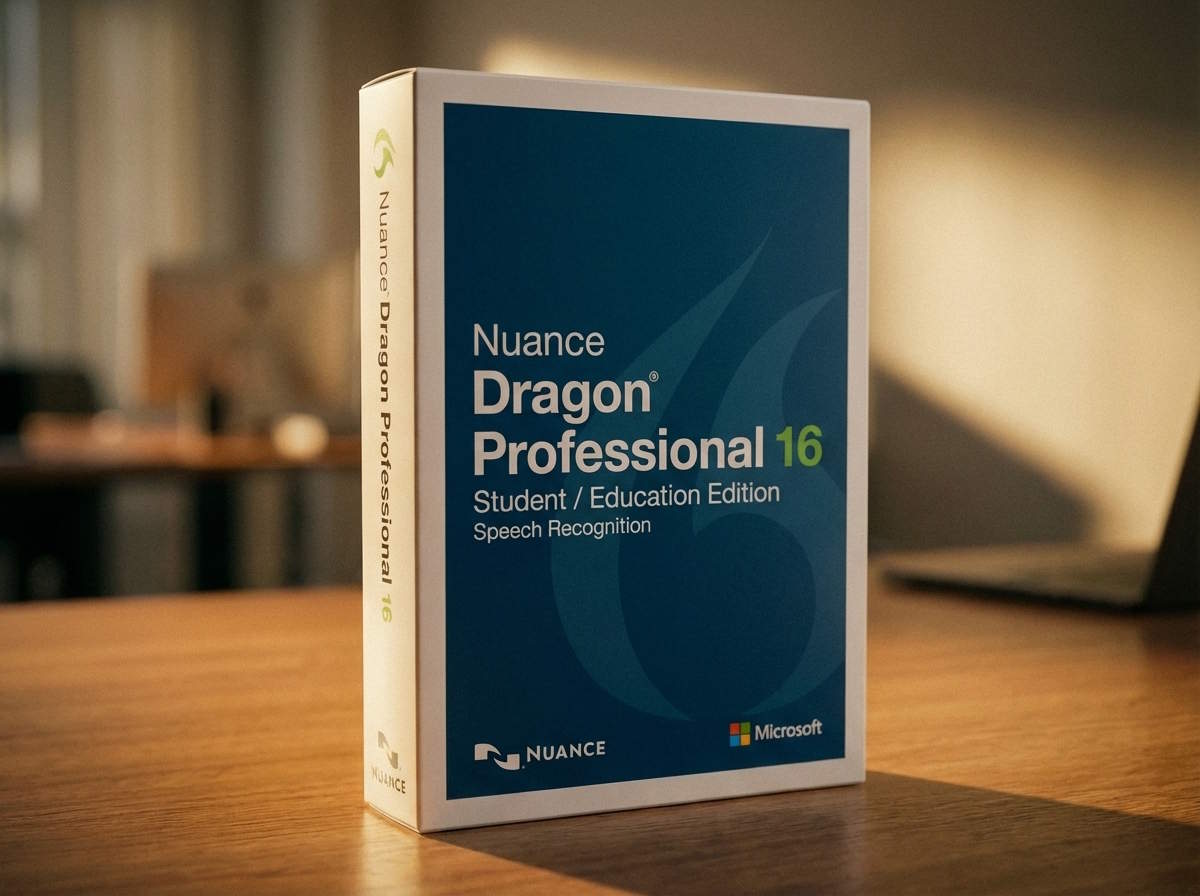
What Dragon Professional 16 Student Edition includes
- ✓Full Dragon Professional 16 - identical to the $994 version
- ✓Real-time dictation into Word, Google Docs, email and any Windows application
- ✓Transcribe single-speaker audio recordings (MP3, WAV, WMA, DSS, DS2)
- ✓Custom vocabulary - add subject-specific terms, names and abbreviations
- ✓AutoText shortcuts - speak a phrase to insert a full paragraph or citation template
- ✓Voice macros to automate repetitive formatting and editing tasks
- ✓Hands-free PC control - navigate, click, scroll and select by voice
- ✓Works offline after installation and activation
- ✓Windows 10 and Windows 11 compatible
- ✓Perpetual licence - pay once, own it for your entire degree and beyond
Frequently asked questions
Is the Student Edition the full version?
Yes. The Student Edition is the complete Dragon Professional 16 with no feature restrictions. The only difference from the standard perpetual licence is the discounted price.
Do I need to prove student or educator status?
Contact Voice Recognition Australia when purchasing for specific eligibility requirements and any documentation needed.
Can Dragon help with dyslexia?
Yes. Dragon is widely used as an assistive technology tool for students with dyslexia. Dictating rather than typing removes the spelling barrier, and Dragon can read text back aloud to assist with proofreading.
Can NDIS fund Dragon software?
Dragon is commonly included in NDIS assistive technology plans. Contact Voice Recognition Australia for supporting documentation and quotes formatted for NDIS submissions.
Does it work on Mac?
Dragon Professional 16 is Windows only (Windows 10 and 11). There is no Mac version. Nuance discontinued Dragon for Mac.
Can I keep using it after I graduate?
Yes. The Student Edition is a perpetual licence - you own it permanently. It continues to work after you graduate or leave your educational institution.
Questions about Dragon for education?
Whether you are a student, educator, disability support officer or IT department, we can help you choose the right Dragon product and assist with NDIS or institutional procurement.
- Student, educator or institution
- Accessibility or assistive technology needs
- NDIS funding documentation required
- Volume licensing for departments